Affiliate Disclosure: We earn commissions on qualifying subscriptions through our links.
CrushOn AI Download Guide 2026: Every Platform, Every Method
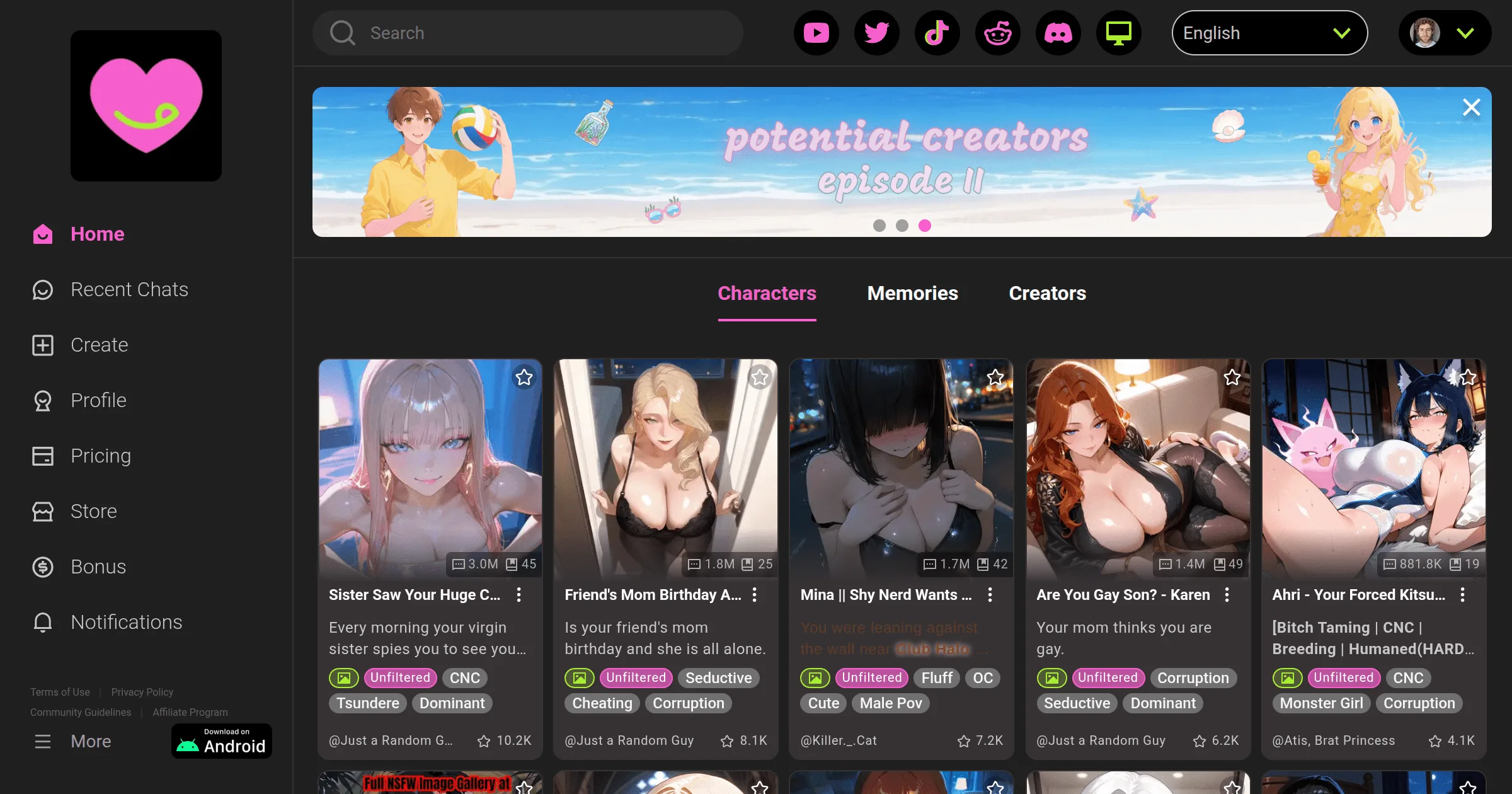
CrushOn AI is available via Google Play Store, Apple App Store (limited), direct APK download, and web browser. The web browser version requires no installation and works on every device. Here are setup instructions for each platform.
The Web Version: Universal Access

No download, no installation, no regional restrictions. Visit crushon.ai in Chrome, Firefox, Safari, or Edge on any device. Full functionality is available: complete character library, all models, image generation, voice (Premium+), account management.
Setting up on mobile as an "app":
On iPhone (Safari):
- Go to crushon.ai in Safari
- Tap the Share icon
- Scroll down and tap "Add to Home Screen"
- Tap Add
On Android (Chrome):
- Go to crushon.ai in Chrome
- Tap the three-dot menu
- Tap "Add to Home Screen"
Both methods create a home screen icon that opens the site in full-screen mode — the experience is nearly identical to a native app, without the installation.
Android: Google Play Store App
Standard installation:
- Open Google Play Store
- Search CrushOn AI
- Tap the official app (Peekaboo Tech Inc. as developer)
- Tap Install
- Open after installation and sign up
APK direct download (when Play Store unavailable):
- Visit crushon.ai on your Android device
- Find and tap the Android APK download option
- Download the APK file
- Android will prompt you to enable "Install from unknown apps" for your browser — do this
- Open and install the downloaded file
- Disable "Install from unknown apps" after installation
APK from official crushon.ai only. Third-party APK sites distribute unverified files.
iOS: App Store + Web Fallback
The CrushOn AI iOS app is available in some App Store regions but has been removed from others due to Apple's content policies.
If available in your App Store: Search CrushOn AI, install, register.
If not available: Use the Safari web app method above. This is the standard approach for iPhone users in regions without App Store access and works identically to the native app for all features.
PC and Desktop
CrushOn AI does not have a dedicated desktop application. Use the web version at crushon.ai in any browser. Chrome and Edge provide the smoothest experience. All features available on desktop: character library, models, image generation, account settings.
For a desktop-app-like experience: Chrome and Edge allow installing web apps as desktop shortcuts (look for the install icon in the address bar when visiting crushon.ai).
Account Setup
Registration is the same across all access methods:
- Navigate to crushon.ai or open the app
- Click Sign Up
- Enter email address
- Create a password (or sign in with Google)
- Click to confirm you are 18 years or older
- Open the verification email and click the confirmation link
- Set a username to complete profile setup
No credit card required for free accounts. Free tier: 50 messages per day with 24-hour reset. For paid plan options, see our pricing guide.
Platform Feature Comparison
| Web | Android App | iOS App | |
|---|---|---|---|
| Installation | None | Required | Required (where available) |
| Regional availability | Universal | Most regions | Limited |
| Push notifications | No | Yes | Yes |
| Auto-update | Always current | Via Play Store | Via App Store |
| Features | Full | Full | Full |
Common Setup Issues and Fixes
"App not available in your region" (Play Store): Download official APK from crushon.ai, or use the web version. Both work without regional restrictions.
iOS App Store: no results: Use the Safari web app method — install to home screen as described above. Full features work in Safari.
Verification email not received: Check spam/junk folder. Email from CrushOn AI may be filtered. If nothing arrives within 10 minutes, try resending or registering with a different email address.
APK fails to install: Ensure "Install from unknown apps" is enabled in Android settings for the browser you downloaded the APK with. Verify the APK downloaded completely (should be several MB minimum — a few KB suggests a failed download).
For ongoing technical issues after setup, see our troubleshooting guide.
Frequently Asked Questions
Yes. The app and web access are free. The platform costs nothing to download or access. Subscription plans ($5.99-$49.90/month) unlock additional features; the free tier (50 messages/day) is available at no cost.
No. An account is required to use CrushOn AI. Account creation is free and requires only an email address and 18+ age confirmation.
Android: version 5.0 (Lollipop) or higher is required. The web version in a modern browser works on any device that can run Chrome, Firefox, or Safari in their current versions.
No dedicated desktop app exists. The web version at crushon.ai in any browser provides full desktop access. Chrome and Edge allow installing the web app as a desktop shortcut for a more app-like experience.